About the company
Role
UX Designer
Contribution
Research, Testing & Design
Team
1 PM, 7 Eng, 5 Supports, Copy
Timeline
May 2019 - Oct 2019
Understanding the Users
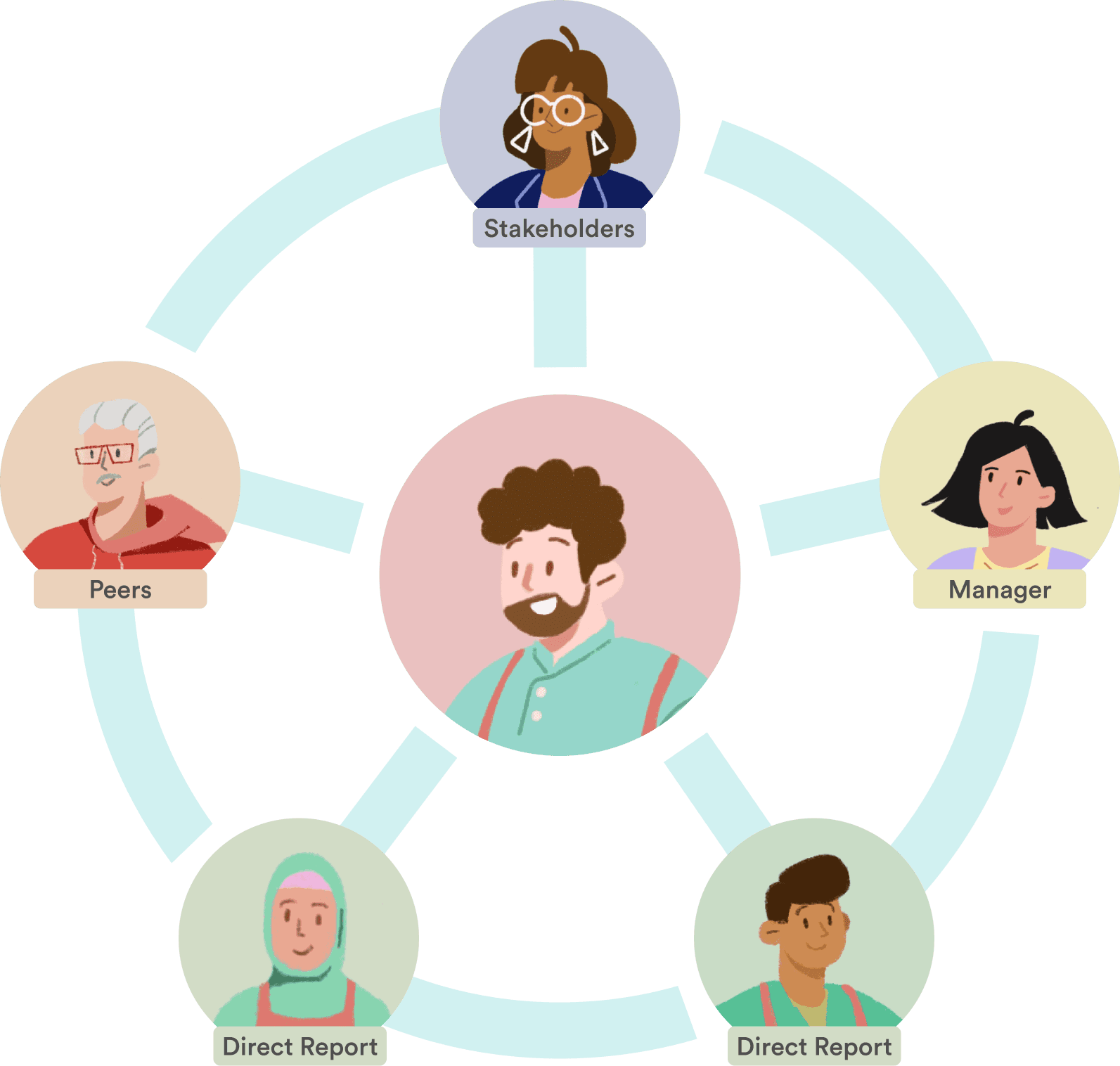
Performance reviews aren’t a single experience as they’re a shared moment viewed through very different personas. HR Executives look for signals about culture and organizational health, managers need tools to coach and evaluate their teams, and individual contributors want clarity on how they’re doing and how to grow.
I approached the problem by designing the system around these distinct perspectives. By making the experience role-aware, each user entered the review with a clear sense of purpose. The result was a cohesive workflow that supported multiple users without adding complexity, thus meeting people where they are while still connecting them through a single, shared process.
Access Pre-built Review Templates Easily
Admins and managers can easily access and manage the different types of pre-built templates when creating reviews. Quickly jumpstart the review cycle with a library of specifically curated review templates by industry experts or simply just duplicate from past reviews.

Integrate Workers' Goals intor Their Performance Reviews
Performance reviews inform promotion and compensation decisions. We introduced an in-context goals panel that surfaces past and active goals directly alongside review questions, enabling reviewers to deliver more specific, evidence-based feedback without breaking their workflow. This reduced cognitive load and improved the quality and consistency of evaluations.

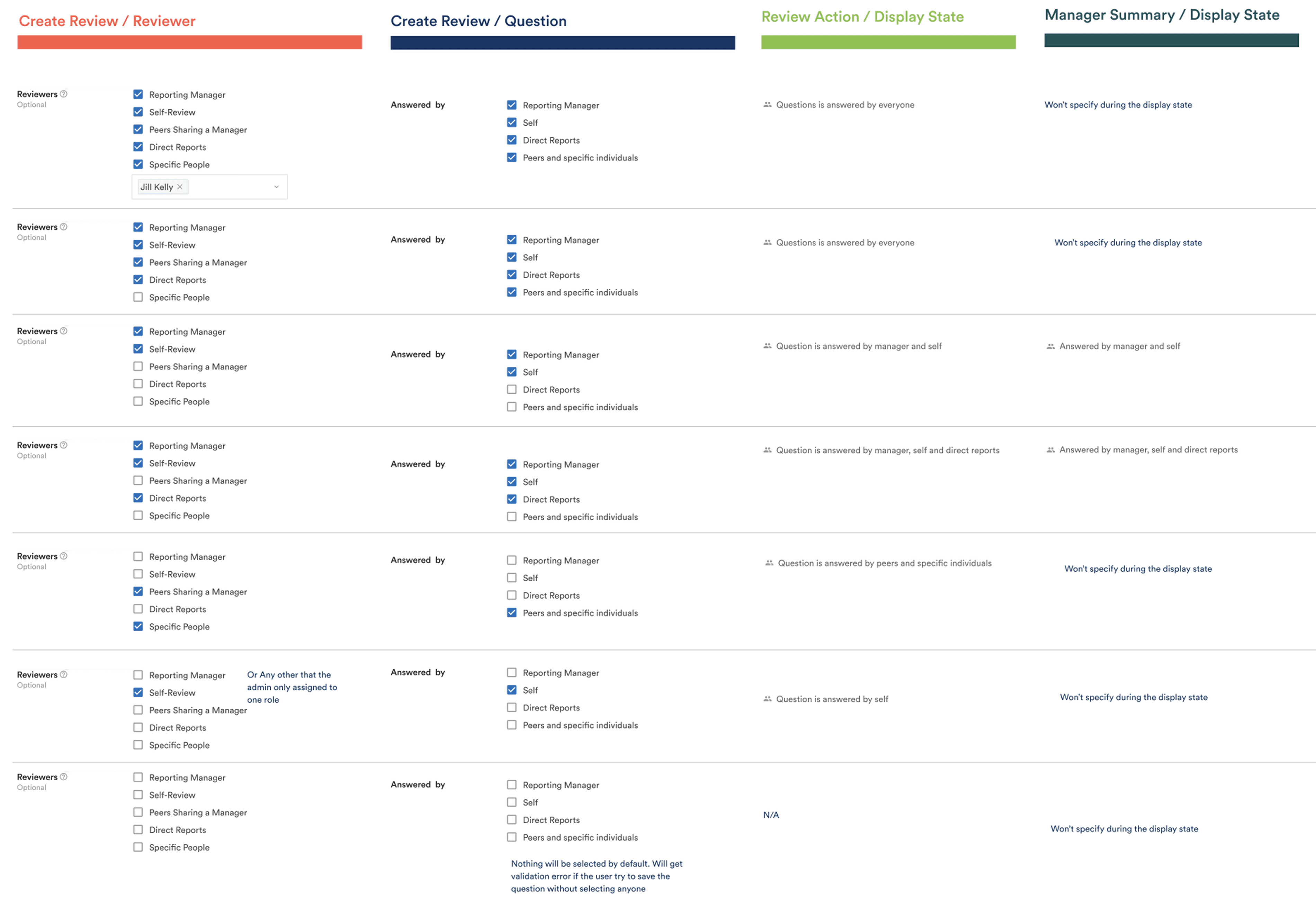
Role-Based 360° Review Configuration
We streamlined the 360° review workflow by introducing role-based question assignment. Admins and managers can configure which roles respond to specific questions, reducing cognitive load and unnecessary input while maintaining a centralized, holistic view of all feedback. This improves signal quality, review efficiency, and overall system usability.

Performance Reviews – Contextual Goals
Managers can view the status and progress of their direct reports' goals at a glance.
Goals are categorized by individuals to avoid any privacy and confidential concerns, as managers may present the screen to other of their direct reports in sync.

Create and Assign Goals to Others
Streamline the 360 degree review cycle by assigning questions to a certain role. Admins and managers will be able to configure who should answer which question and still have all the feedback in one place.